
Computers and Monitors for Your Office
We spec the machines, order them, and bring them in built, updated and on your network.
- 5.0 on Google
- Founded 2018
- 7 days, 7am to 11pm
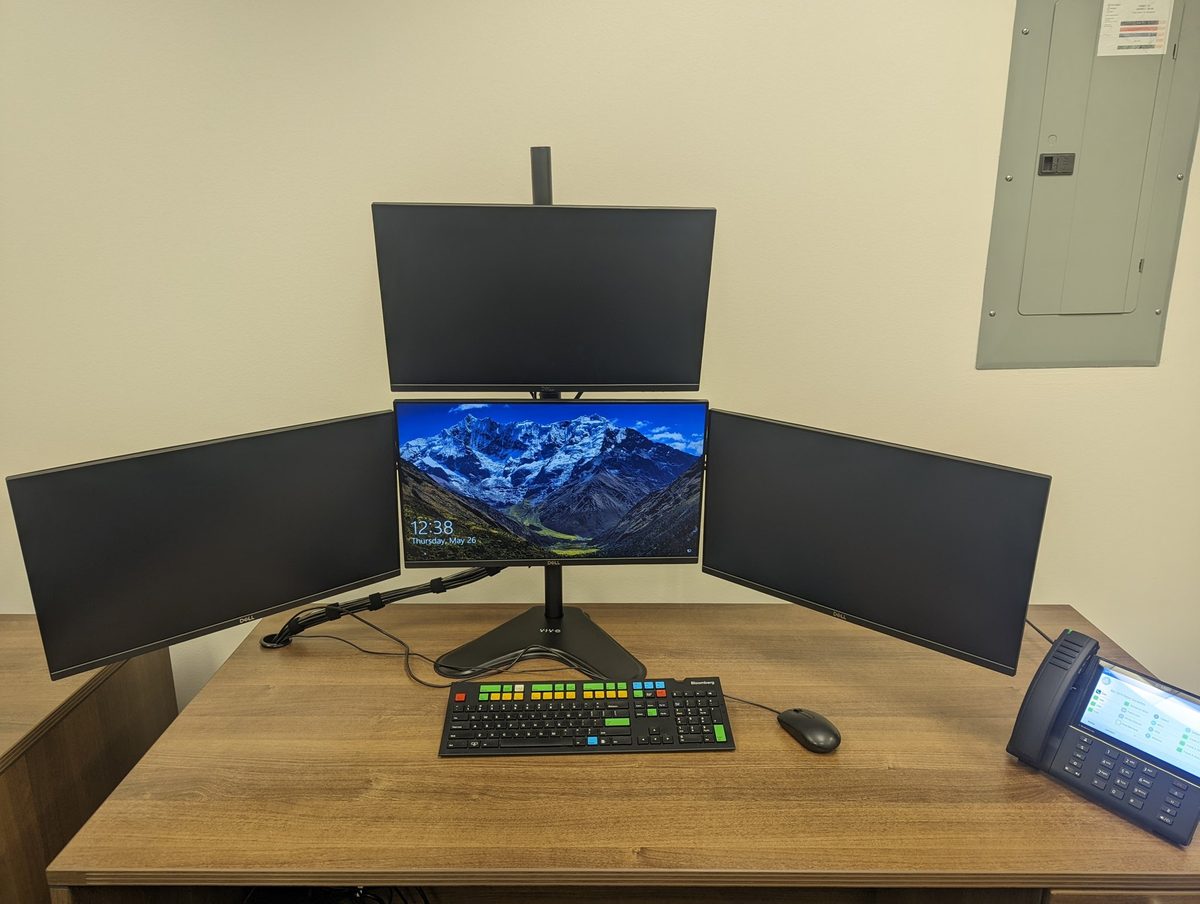
Four screens, one mount
FTL Technology Group supplies the computers, laptops and monitors your office runs on, and sets them up on your network before anyone sits down at them. Tell us the budget and what the work is: we spec the machines, order them, and bring them in built, updated and ready to work.
Most of what we build is multi-monitor. Two screens for a desk that lives in spreadsheets, three or four for dispatch and support, six for a trading desk. We supply the screens, mount them, and size the computer so it drives all of them properly.

What we supply
- Business workstations. Desktops built to run 40 or more hours a week, not the consumer machines the big stores sell.
- Laptops and docking stations. One cable at the desk for the same screens and keyboard as everyone else, and the laptop still goes home at night.
- Monitors. Single, dual, triple, quad and ultrawide, on the stand they ship with, on a VESA mount, or on arms.
- Mounts and arms. Pole mounts, monitor arms and VESA plates, so the desk underneath the screens is still usable.
Business grade, and why that matters
A business workstation is not the same machine as a desktop off a big-box shelf. It is built to run 40 or more hours a week, and it carries a 3-year next-day onsite warranty covering the workstation, the laptop and the monitors. If something fails, it is repaired on site, not carried to a counter to wait a week.
Multi-monitor desks
Multi-monitor is the work we do most. Two screens is the common ask. Past that it is dispatch, support, accounting and trading desks, where three, four or six screens is normal, and the hard part is building it so the desk still works: the right mount, the screens at the right height, one computer that can actually drive them, and the cabling out of sight.
We have built these on pole mounts, on rails and on arms, in offices and in home offices. Photographs of real ones are in our gallery.
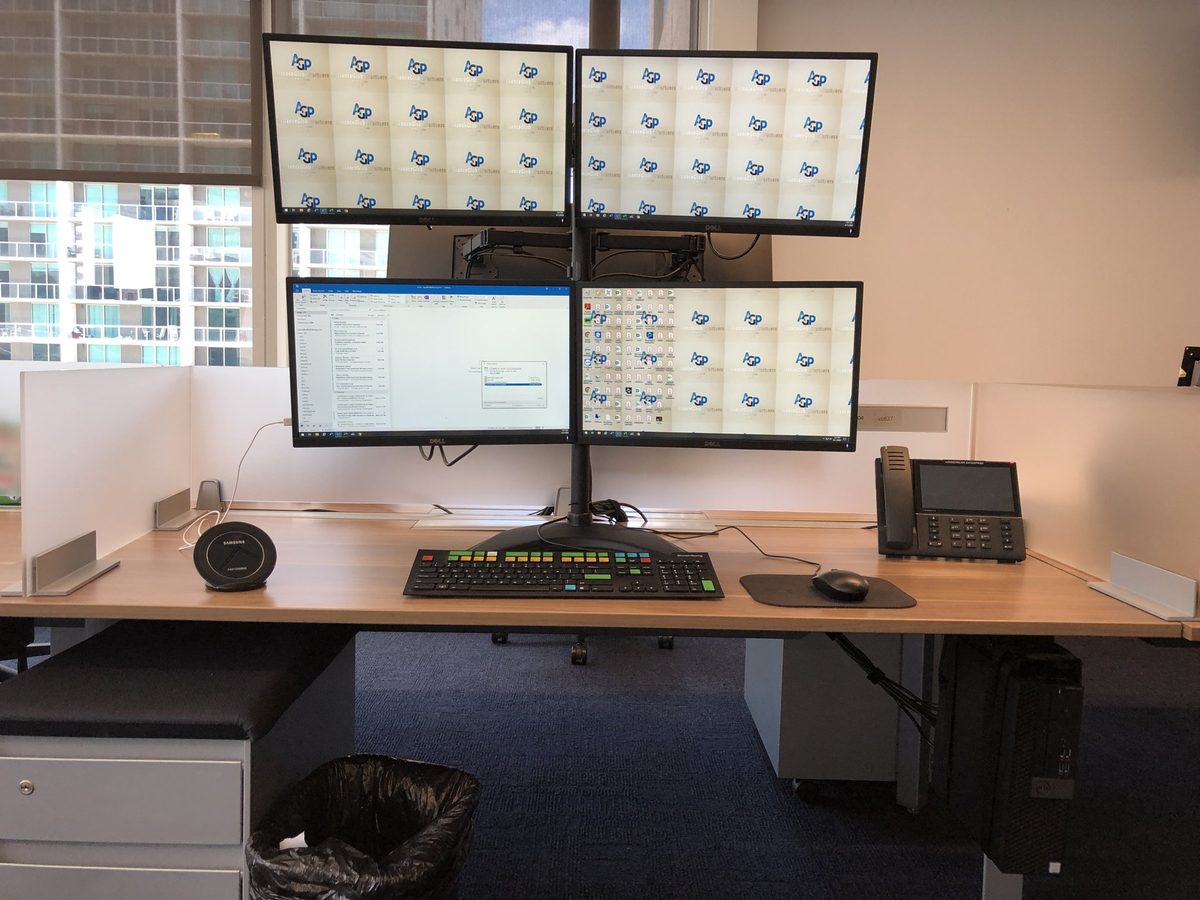
How many screens can one computer run?
It depends on the machine and the graphics in it, which is part of what we spec. We size the computer to the number of screens you want, so nobody buys a fourth monitor and then finds the computer will not drive it.
Hiring, moving, or opening a second office
New people need a working machine on their first morning, and a new office needs every desk live on the first Monday. We handle the buying alongside the rest of the work. See office IT moves and network services.
How it goes
- What the work is. We ask what each person does all day, how many screens they need, and what the budget looks like.
- Spec and quote. You see what we recommend and what it costs before anything is ordered.
- We order it. You are not chasing a supplier or comparing part numbers.
- We set it up. Updated, your software installed, joined to your network, email working, files and settings moved off the old machine.
- We install it at the desk. Monitors mounted and aimed, cables run, and the person sits down and works.
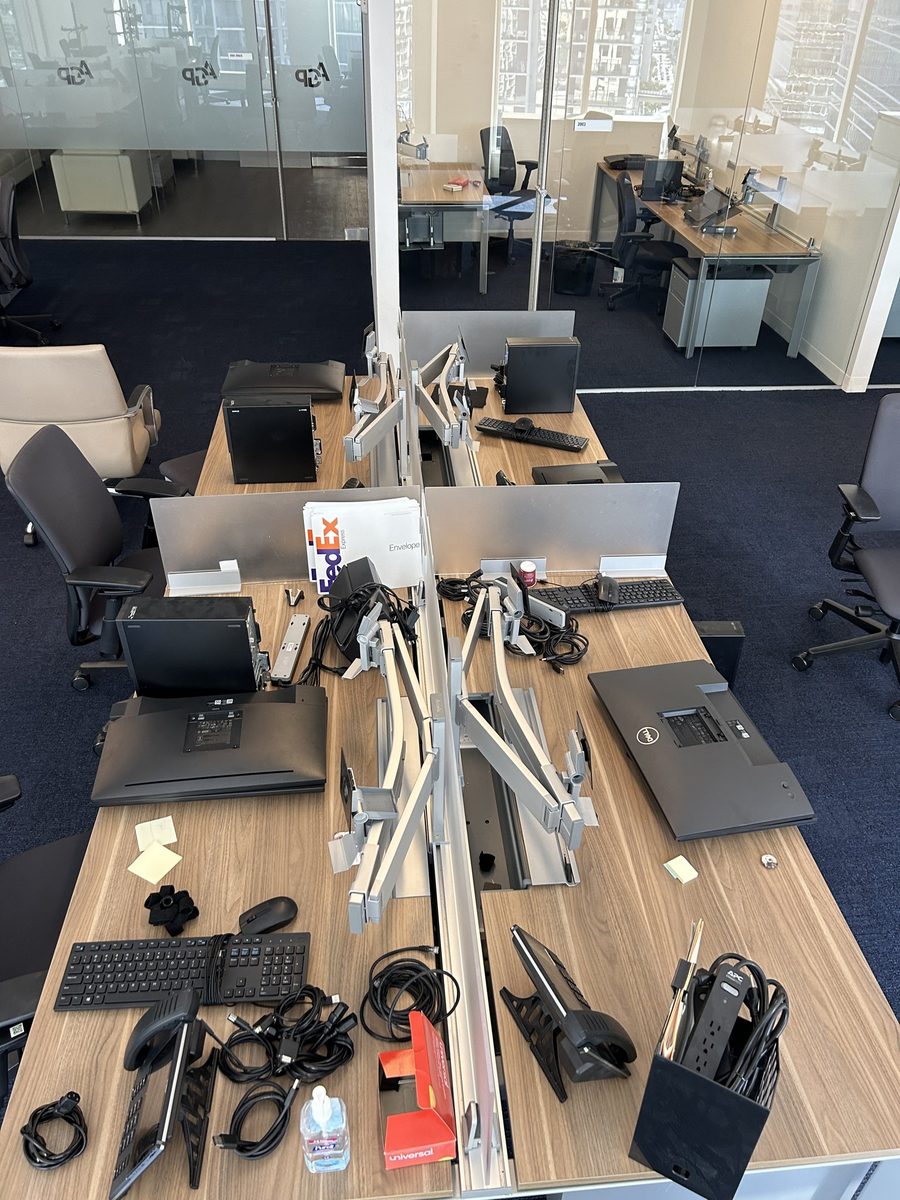
Across Fort Lauderdale and Broward
FTL is based in Fort Lauderdale and delivers and installs across Broward County, with on-site work in Miami-Dade and Palm Beach. There is no storefront to collect anything from, because we come to the office.
Common questions
Do I have to buy the hardware through you?
No. If the machines are already on order, or already in boxes, we will set them up. Most clients have us do the buying because it is one less thing to chase and the machines turn up ready to use.
Can you add screens to computers we already have?
Often yes, and if the computer will not drive the extra screens we will say so before you spend anything.
What happens to the old computers?
Files and settings come across first. After that it is your call: kept as spares, or wiped before they leave the office.
Want this handled?
Call and tell us what you are dealing with. If we are a fit, most new clients are set up inside a week.