
Monitor Setup and Installation at Home
Two screens or up to six, connected and arranged at your desk. Monitor mounting, tidy cables and computer buying help across Broward County and Boca Raton.
- 5.0 on Google
- Founded 2018
- 7 days, 7am to 11pm
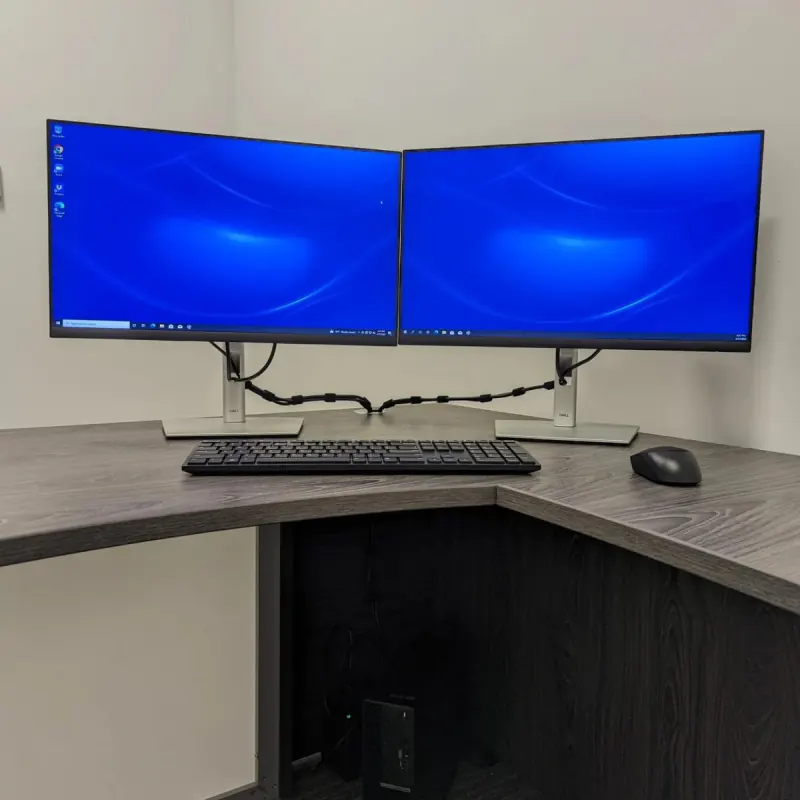
A dual-monitor desk we set up
FTL Technology Group sets up dual and multi-monitor desks at your home in Fort Lauderdale, across Broward County and in Boca Raton. We connect and arrange the screens, mount them where needed, and test the setup with you.
Dual and multi-monitor setup
From two screens to six, we plan the desk around how you will use it. The screens can sit on stands, on a wall or desk mount, or on arms. We check how your computer connects to the screens and arrange them for your work, games or everyday use.
Monitor mounting and tidy cables
When your screens need a mount, we find one that fits the screens and the desk, including large ultrawide screens, and mount them for you. Tell us the screen models and whether you already have a stand, arm or mount.
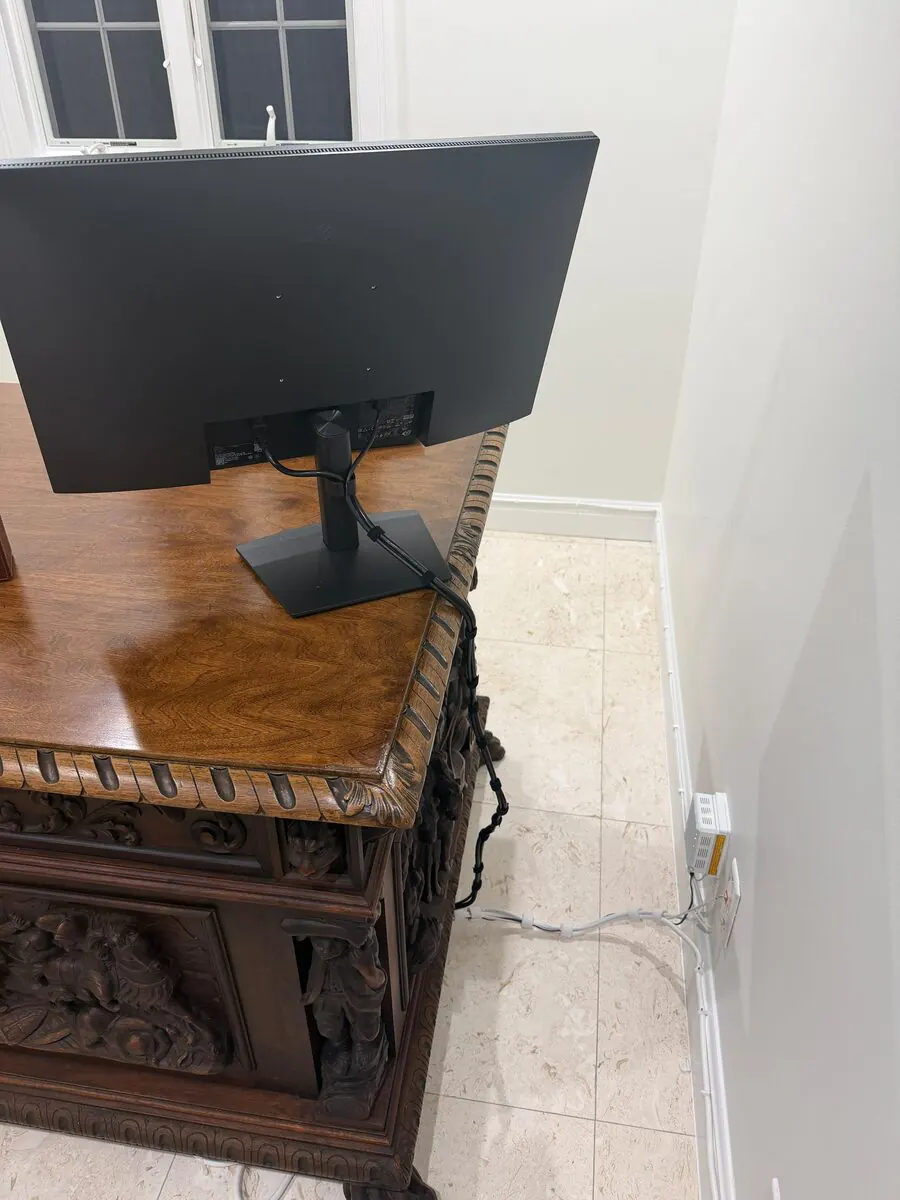
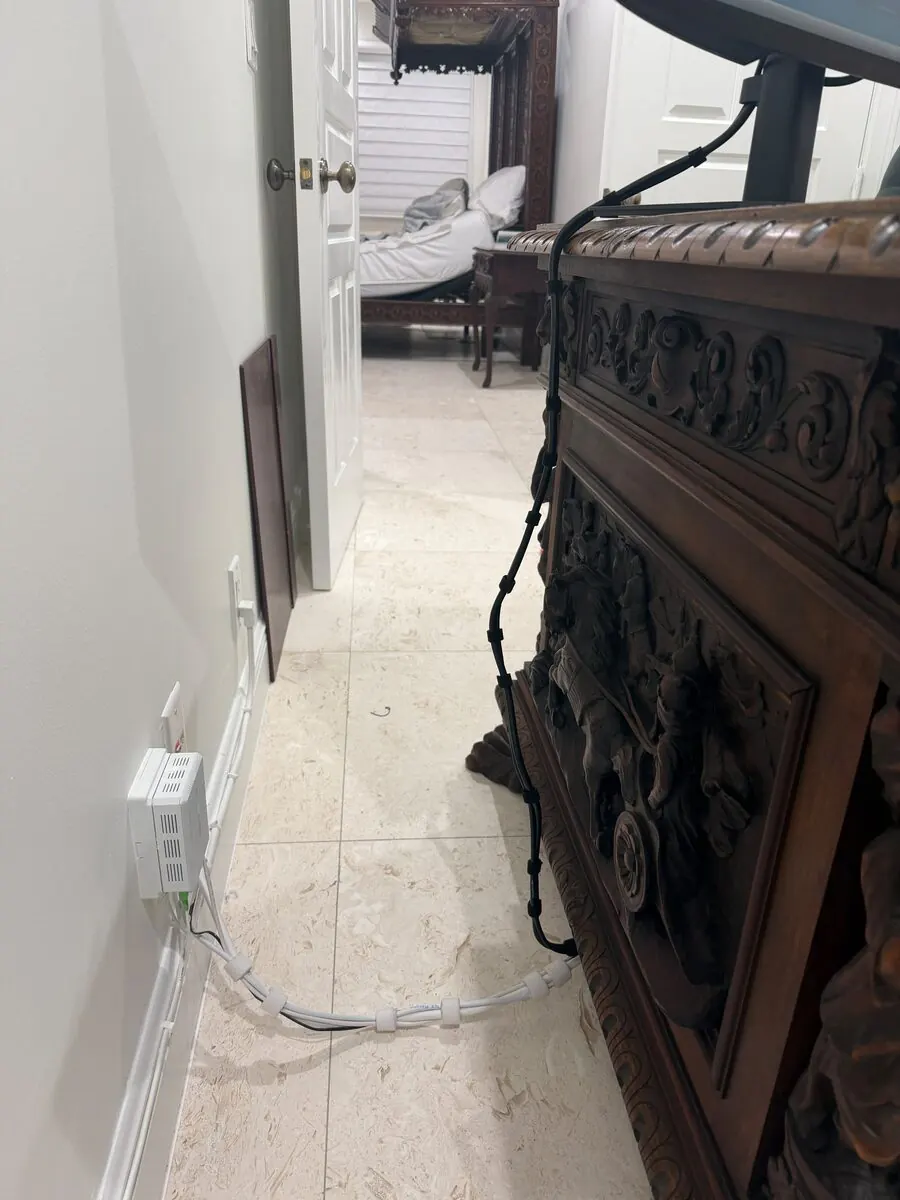
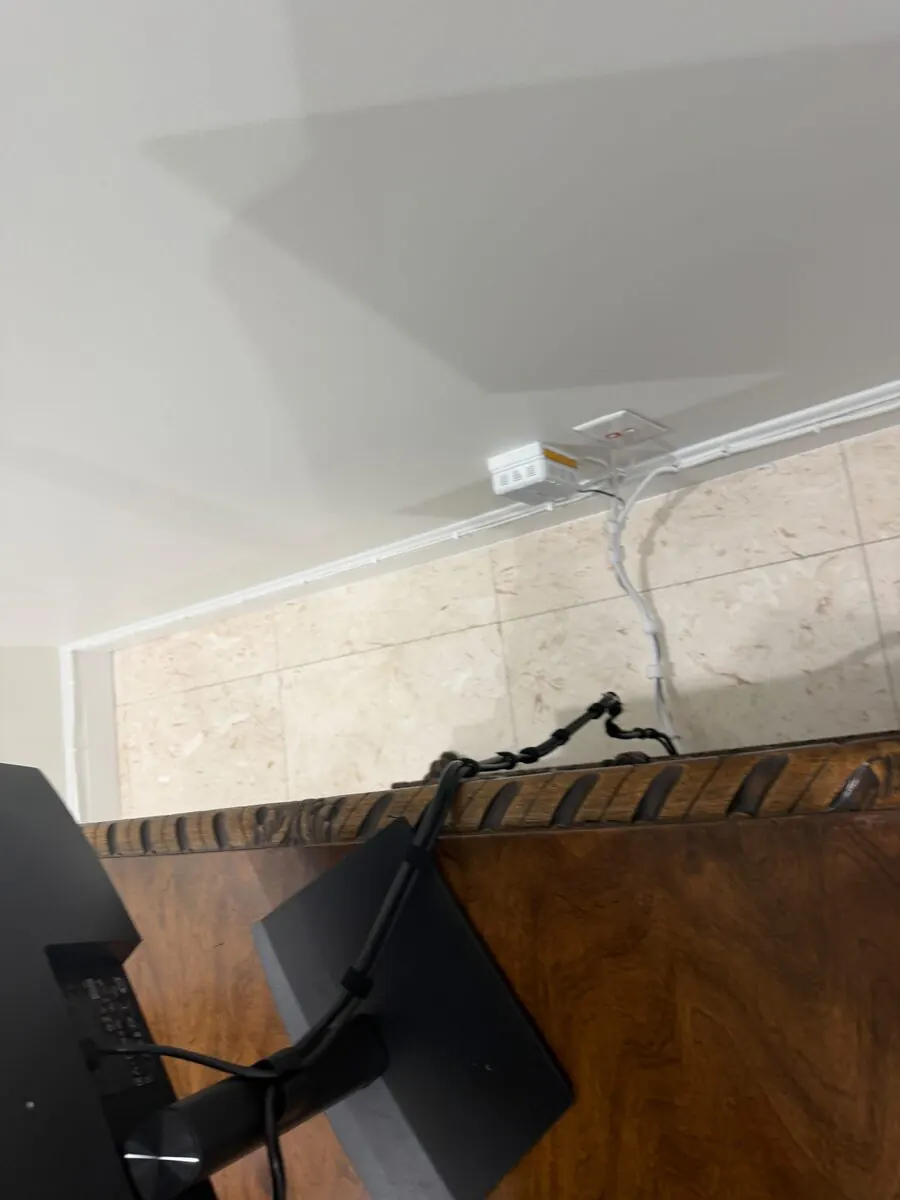
We can tidy the cables as part of the setup or on a visit of their own. See the cable management photos from one of our home jobs below.
Already own the screens?
You do not have to buy equipment through us. Tell us what you already own, the computer you use and how many screens you want. We check compatibility and discuss what else is needed before you buy more equipment.
Tell us about your monitor setup
Computer buying help, start to finish
If you are buying new, we can help you choose the computer and monitors, buy them for you, bring them to your home and set them up. If you prefer to buy them yourself, we can send you links to the right items.
- Plan. Tell us your budget, desk space, what you already own and how you will use the setup.
- Choose and buy. We recommend equipment based on reliability and our experience with it.
- Bring it home and set it up. We connect the computer and screens, move accessible files from the old computer where needed, and arrange the desk.
- Test it with you. We check the setup together and answer your questions before we leave.
What will you use it for?
A home office, photos and video, school, streaming or gaming all place different demands on the desk. Tell us which programs you use and what you would like to keep open on each screen. A second screen gives you more space to work; it does not make a game run faster.
Common questions
Can I add a second monitor to my laptop?
Often, yes. It depends on the computer and its graphics. Send us the computer model and the screens you have in mind so we can check before you buy.
Do you work on Macs?
Yes. We work on both PC and Apple computers.
Where do you work?
Homes across Broward County, Boca Raton and West Palm Beach. Call or send your equipment details to discuss the work and its cost.
Need a new computer set up without a multi-screen desk? See computer setup and file transfer. For a custom gaming PC, see gaming computers. Buying for an office? See computers and monitors for your business.
Tidy cables, from the desk to the wall
We tidy the cables when we set up a desk, or on a visit of their own.
- Cables run along the baseboard and clipped in place.
- Cables that cross the floor tied into one neat bundle.
- Screen cables wrapped together down the back of the desk.
The photos are from one of our home jobs.
Need a hand at home?
Call and tell us what is going on. We come to you, 7 days a week.